Find the service
Clear residential and commercial pages explain the work.

CASE STUDY / PROPERTY CARE AND HAULAGE
A website with a job to do.
From a service question to a useful job brief. We connected the website, quote tools and owner workflow around the details Callum needs to assess the work.
Helensvale and the northern Gold Coast, Queensland
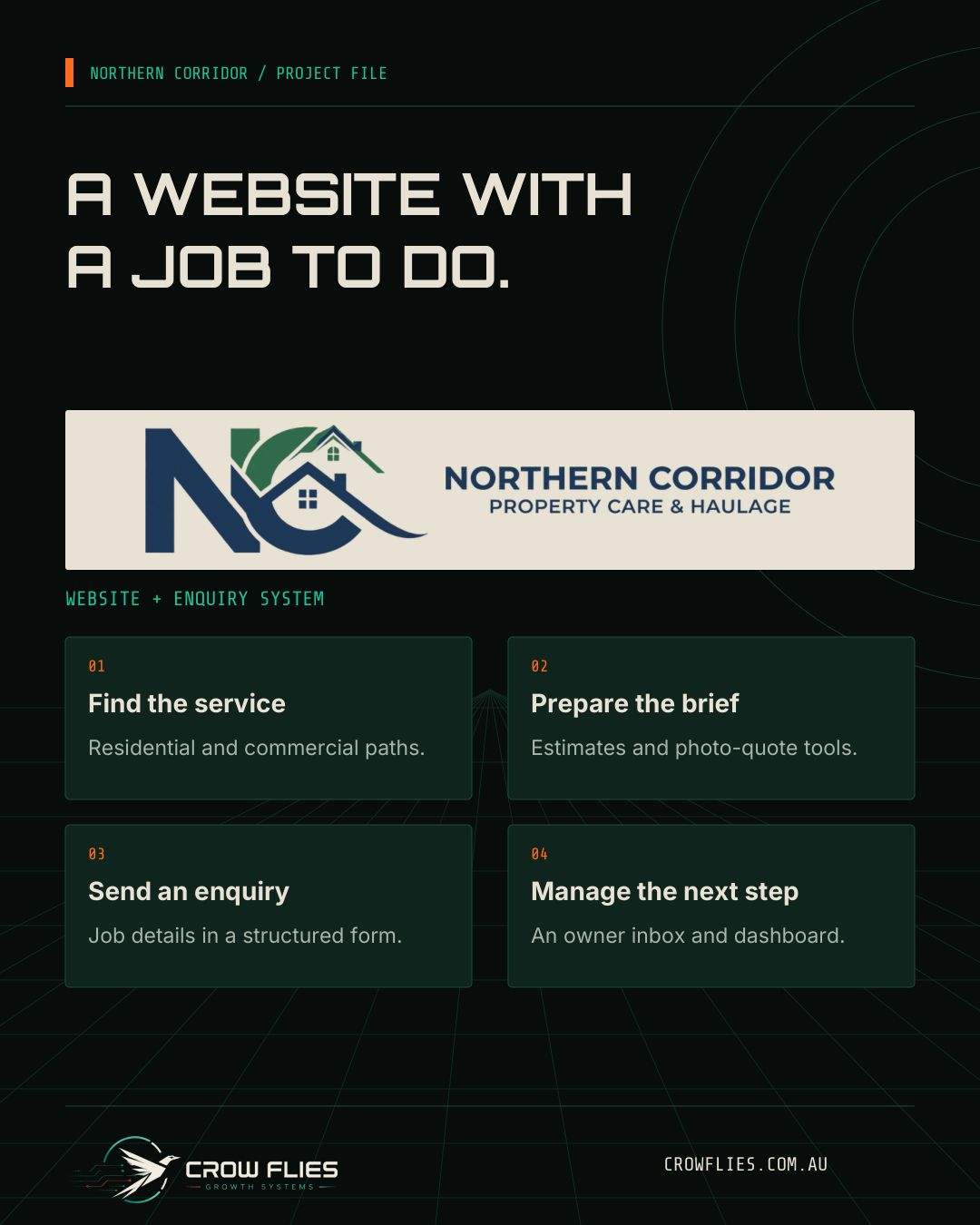
THE CUSTOMER JOURNEY
Clear residential and commercial pages explain the work.
Choose the job and applicable extras for a starting amount.
Use a prepared photo message or structured online enquiry.
An owner inbox supports notes, status updates and follow-up.
INSIDE THE BUILD
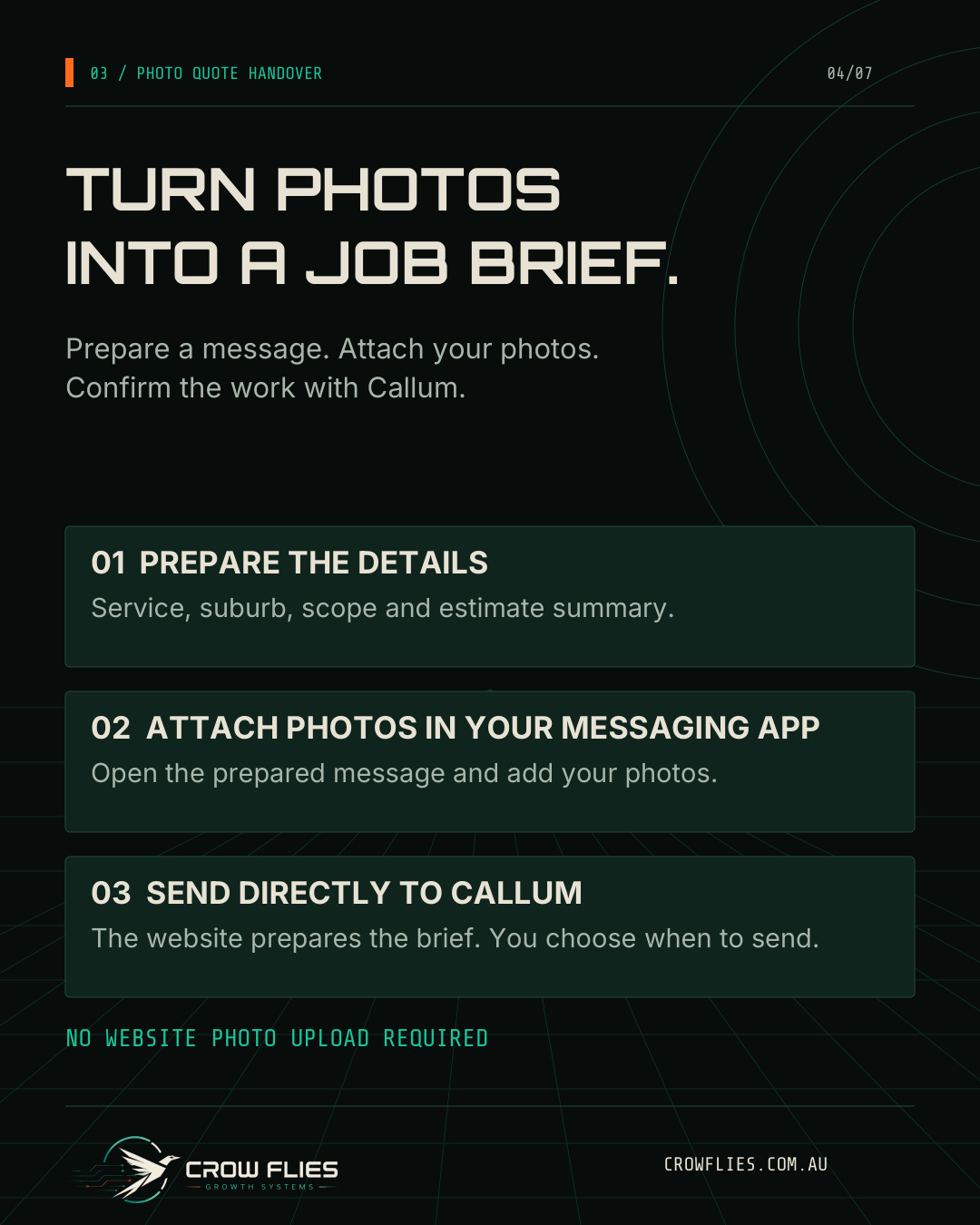
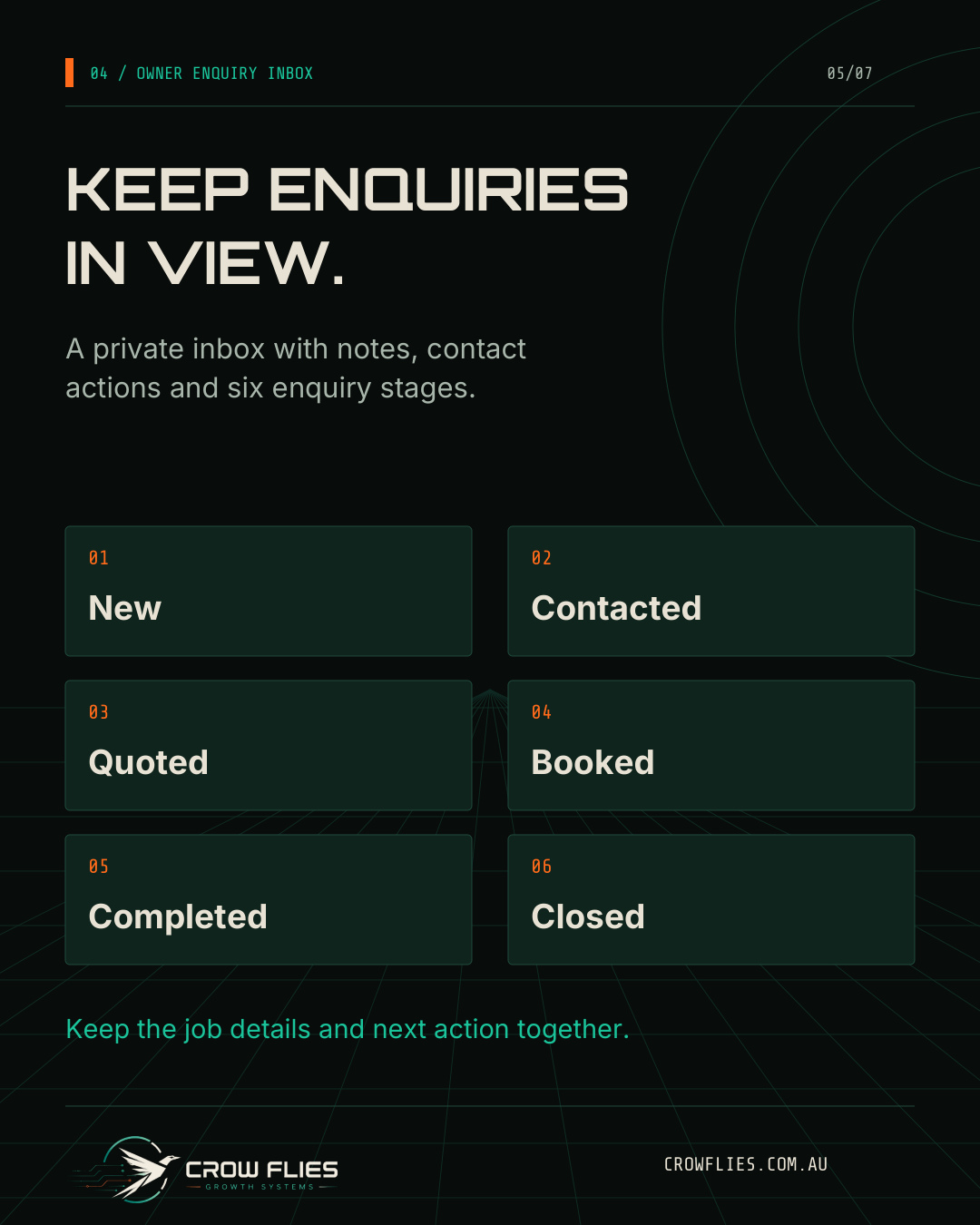
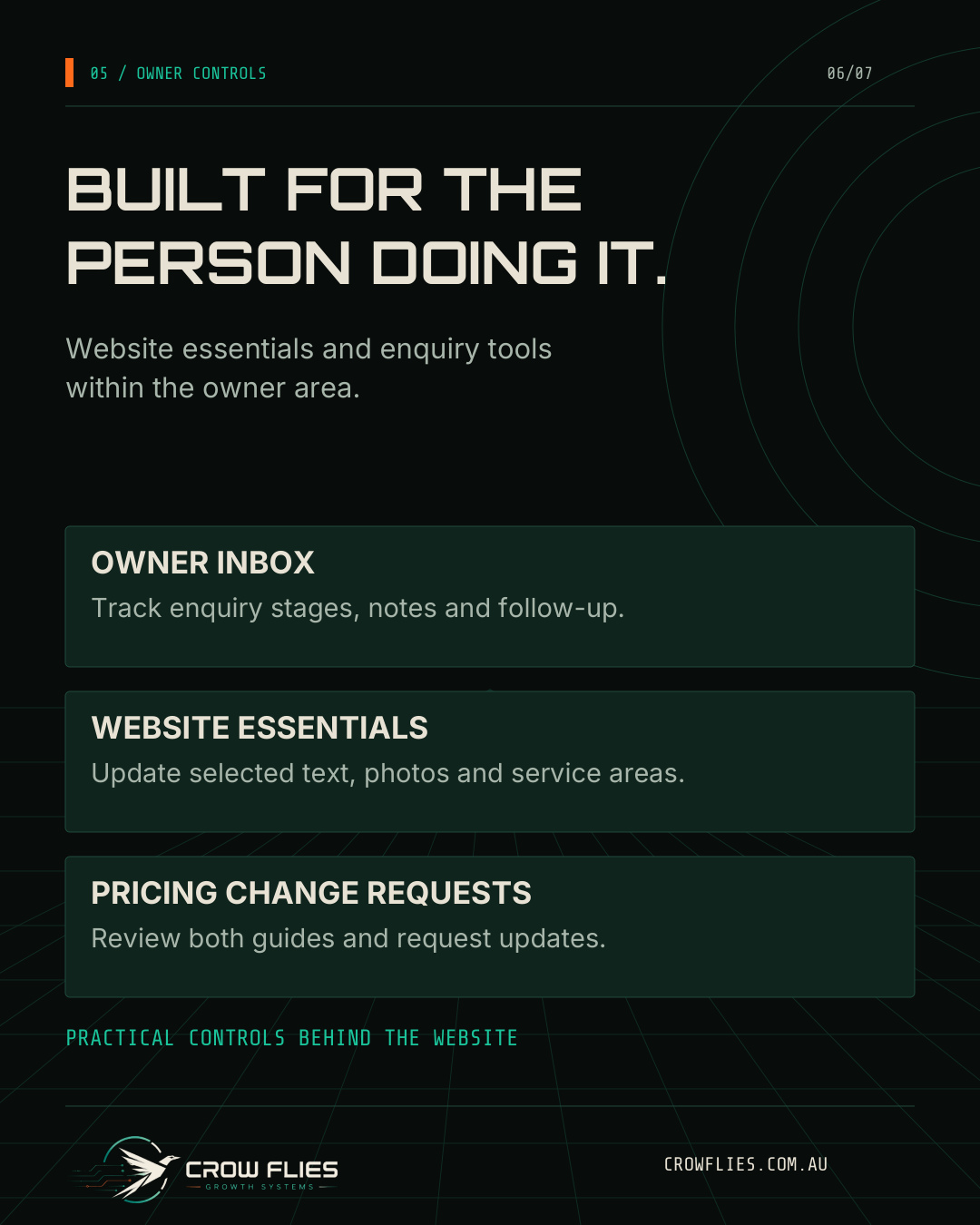
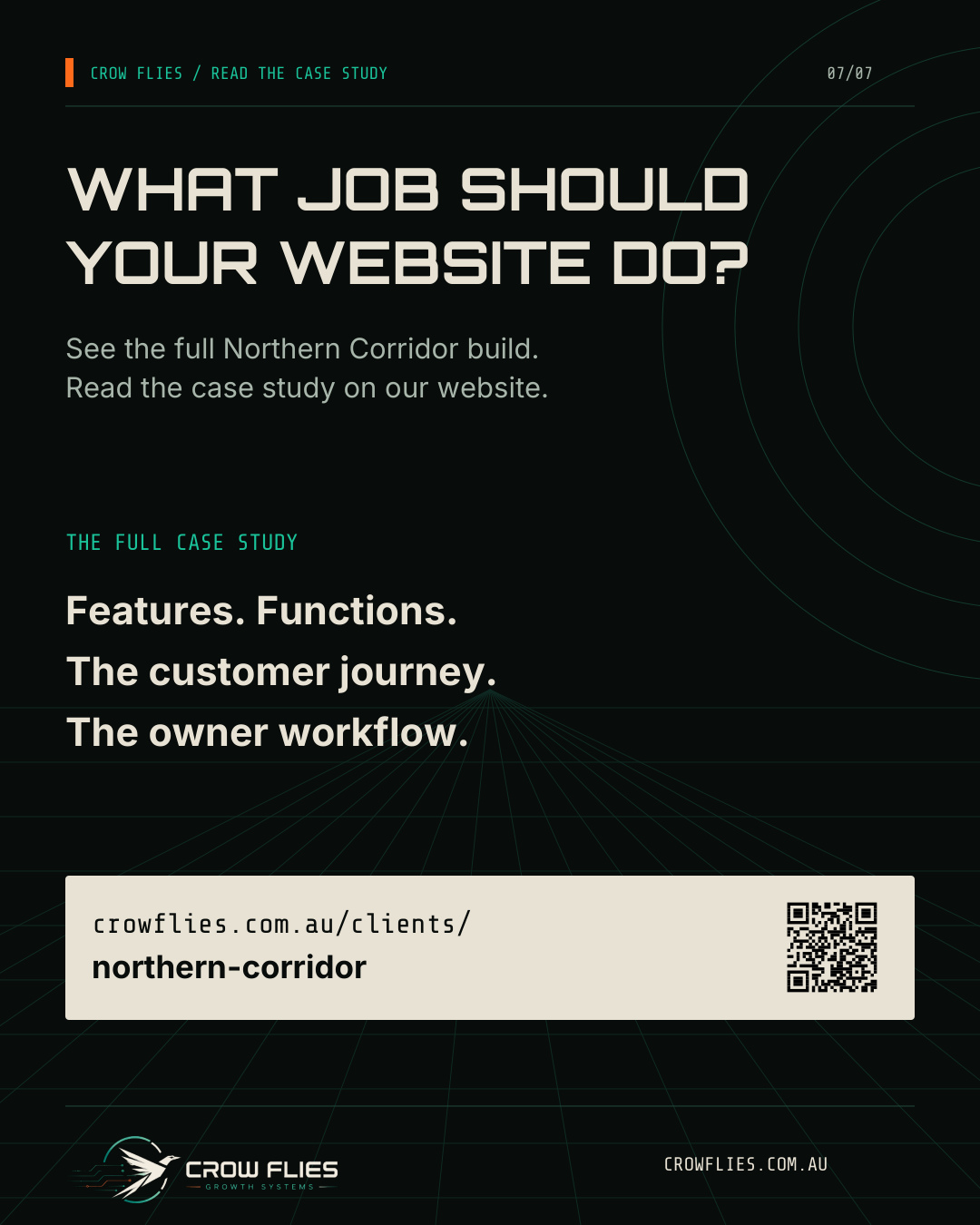
The seven-slide project carousel follows the service pages, estimates, photo-quote handover and owner controls.
Swipe through the slides or use the controls. The full feature breakdown and project story follow below.
Open the carousel PDF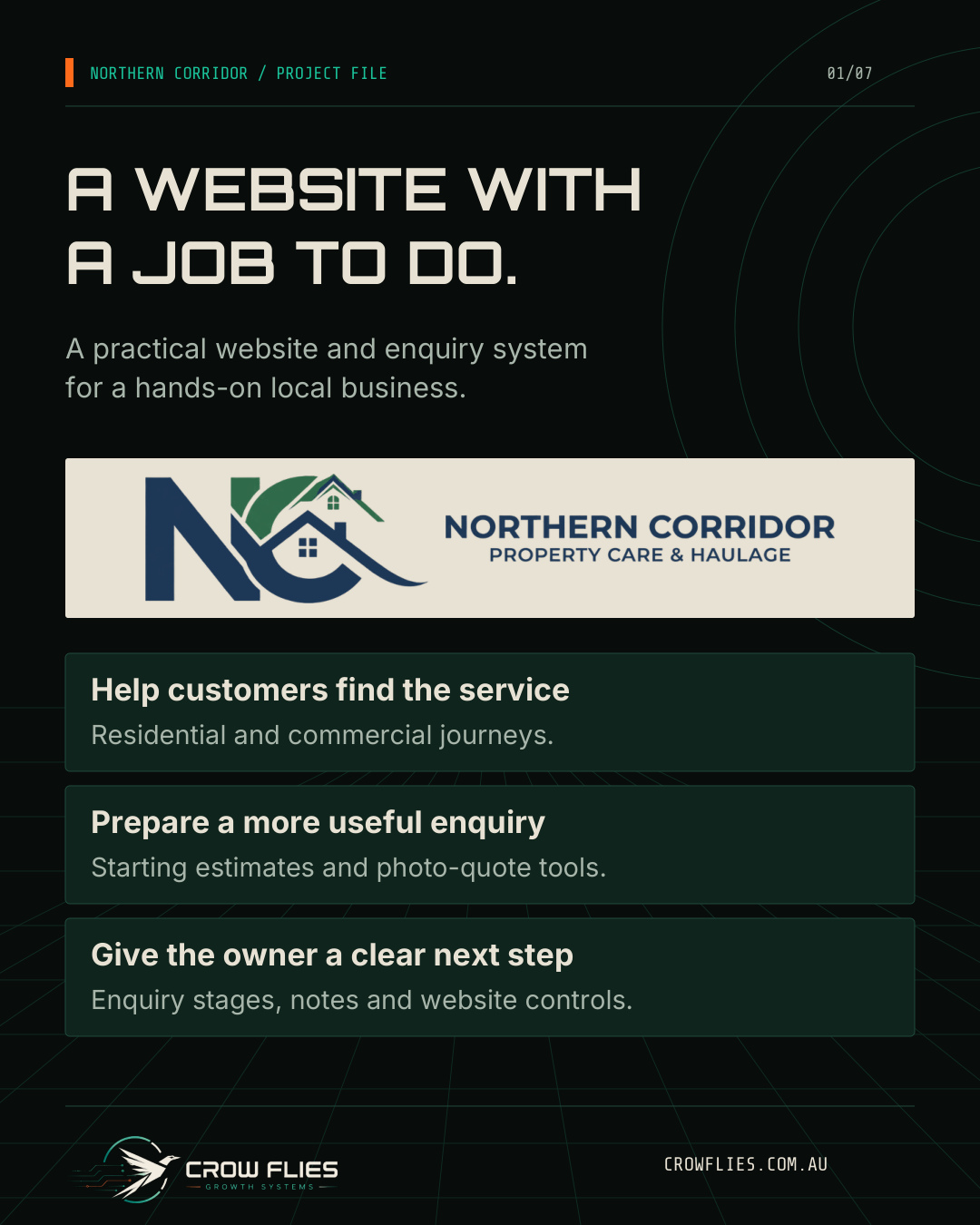
THE PROJECT STORY
Northern Corridor Property Care & Haulage is Callum's business serving Helensvale and the northern Gold Coast. Its work spans lawn care, rubbish removal, haulage, flat-pack assembly and property upkeep, with a separate offering for commercial, strata and trade enquiries.
Crow Flies built a website around the details those jobs need. Customers can find the relevant service, understand the starting rates, prepare an estimate and carry a job brief into a photo message or online enquiry. Callum has an owner dashboard to manage the enquiries and maintain the essentials.
The result is a delivered website and enquiry system. Its commercial impact can now be measured as real customer enquiries and jobs come through.
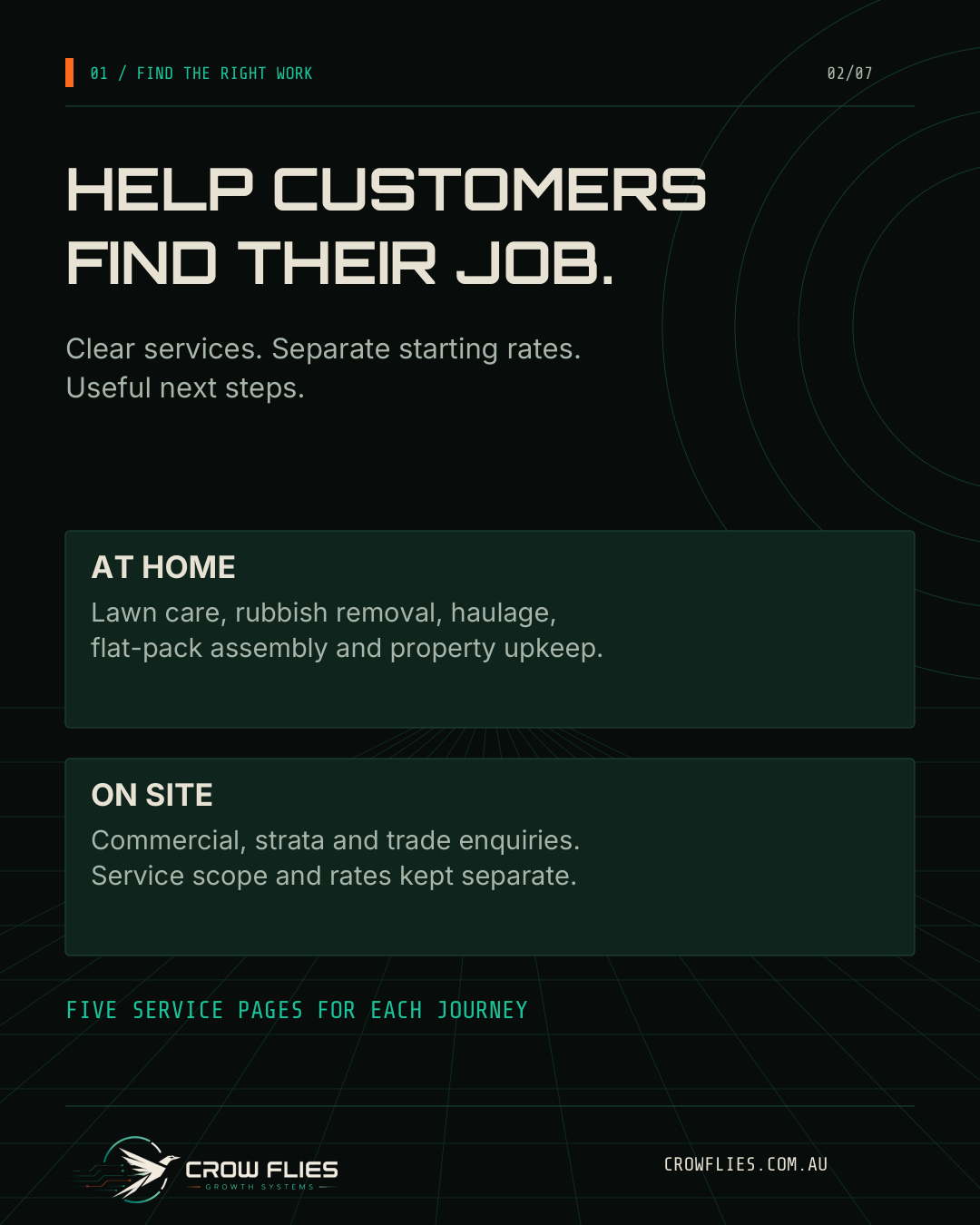
A lawn mowing enquiry, a furniture delivery and a strata maintenance request each need different information. The website had to explain a broad service offering while giving each customer a useful next step.
We organised the experience around the job being requested. Residential and commercial customers have distinct service pages, price guides and estimate options. Job scope, access, timing and load details then carry through the enquiry journey.
Five residential service pages cover lawn care and hedging, rubbish and waste removal, haulage and item transport, flat-pack assembly, and property maintenance. Five commercial service pages cover strata grounds, commercial rubbish, trade haulage, office assembly and commercial maintenance.
These pages explain relevant starting rates, inclusions, exclusions, preparation details and common questions. Customers can move from the service they need to an estimate or quote request without starting their explanation again.
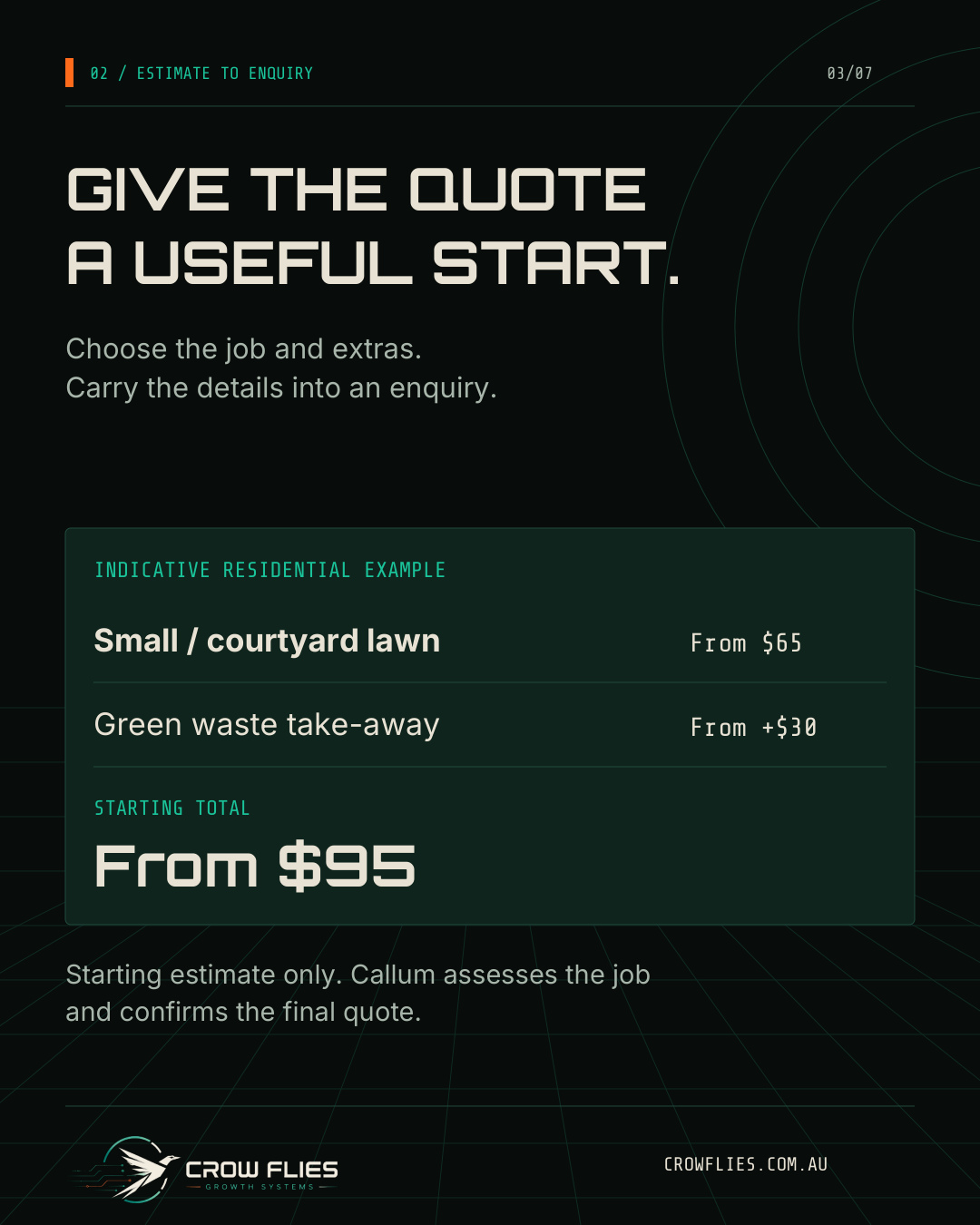
The residential and commercial estimators let customers select a service, choose a job type and add applicable extras. Hourly services allow an estimated duration. A breakdown shows the indicative starting amount and selected additions.
The estimate becomes a written job summary that can be carried into the photo-quote tool or the online form. Starting estimates remain subject to Callum's assessment and final agreement. The tool takes no payment and makes no confirmed booking.
The photo-quote tool prepares a message with the service, suburb and job details. The customer opens their own messaging app, attaches photographs and sends them directly to Callum. A copy-message option supports desktop users.
The website does not upload or receive those photos. This keeps the handover familiar while giving Callum useful context about the job, access and load.
A three-step form collects the job, location and timing, then the customer's contact details and consent. Haulage enquiries request collection and delivery suburbs and load information. Submitted enquiries receive a reference and are saved in a private inbox.
The notification workflow is configured to email the business address. Notification states are logged for review, and saved enquiries remain available if a notification fails. Provider acceptance and arrival in an inbox are different events.
The on-site assistant answers supported questions about the published residential and commercial service guides, starting prices, service area and how to enquire. It can direct a customer into the relevant estimate or photo-quote journey.
This is a service-guide assistant driven by defined rules and catalogue content. Callum still confirms job suitability, availability and final pricing.
Callum's owner area brings the enquiry pipeline, latest enquiries and website activity together. Enquiries can move through New, Contacted, Quoted, Booked, Completed and Closed, with internal notes and contact shortcuts.
The owner can update selected website copy, images and service areas, and pause online enquiries. The pricing area displays both price guides and saves requests for pricing, business-detail or other website changes. Crow Flies reviews those requests before changes are published.
The dashboard also shows recorded call-button taps, photo-enquiry interactions, estimates calculated, assistant opens and form submissions. These are activity measures. Calls answered, messages sent and jobs won need separate confirmation.
Each service has its own page title, description, canonical address and social-sharing metadata. Business, service, offer and breadcrumb structured data connect the organisation, service areas, prices and relevant pages. The build also includes a sitemap, robots rules and an llms.txt guide.
For SEO, the aim is to make the services and location clear. For AEO and GEO, the pages provide direct answers and consistent business information that search and answer systems can interpret. These foundations do not establish a ranking, guarantee an AI citation or prove an increase in enquiries.
Northern Corridor now has connected paths from a service question to a prepared job brief, plus an owner area for managing what comes next. The useful outcome at launch is the working capability: explain the work, guide an estimate, capture context and keep the enquiry organised.
For another service business, the starting point is to identify which job details customers need to understand and which details the business needs to quote. That is where a website can begin doing more useful work.
FEATURES AND FUNCTIONS
The full breakdown of 23 features, what each one does and the purpose it serves.
| Feature | What it does | Practical purpose |
|---|---|---|
| Residential service pages | Five pages covering the core household services, with rates, scope and questions. | Helps customers find the relevant job type. |
| Commercial service pages | Five pages for strata, trade and business work, plus a commercial hub. | Keeps commercial scope and pricing distinct. |
| Price guides | Separate residential and commercial starting rates and add-ons. | Sets expectations before a quote conversation. |
| Interactive estimators | Job options, applicable extras and hourly duration produce an itemised starting estimate. | Lets the customer prepare a more useful brief. |
| Estimate handover | Selected work and indicative amount carry into photo quote or enquiry form. | Preserves context between steps. |
| Photo quote tool | Prepares an SMS message; photos are attached and sent in the customer's messaging app. | Uses a familiar phone workflow. |
| Online quote wizard | Three steps cover job, location and timing, then contact details and consent. | Collects job-specific information. |
| Enquiry reference and storage | Creates a reference and stores a quote request before any email notification. | Keeps a record available for follow-up. |
| Service guide assistant | Rule-based answers from residential and commercial guides, with enquiry links. | Helps visitors find supported information. |
| Direct contact paths | Phone, SMS, business email and enquiry links throughout the site. | Lets customers choose a suitable contact method. |
| Feature | What it does | Practical purpose |
|---|---|---|
| Private owner dashboard | Authenticated owner access to overview, enquiries, settings and pricing requests. | Gives Callum one place to manage the website essentials. |
| Six-stage enquiry pipeline | New, Contacted, Quoted, Booked, Completed and Closed with internal notes. | Supports manual follow-up and job-status tracking. |
| Notification workflow | Fixed business-recipient email notification with sent, sending and failed logs. | Surfaces new requests and delivery exceptions. |
| Missed-notification recovery | Backup reconciliation checks eligible recent enquiries without a notification log. | Provides a recovery path for missed workflow triggers. |
| Owner content controls | Selected copy, images and service areas can be edited; online enquiries can be paused. | Supports routine website maintenance. |
| Change request workflow | Owner records pricing, business-detail or website changes for review. | Keeps catalogue changes coordinated before publication. |
| Website activity overview | Last-30-day recorded actions, service popularity and broad traffic-source categories. | Provides activity signals to review alongside actual enquiries. |
| Enquiry overview | Pipeline totals, latest enquiries and notification issues are grouped in the owner area. | Makes the next customer action easier to see. |
| Form validation and consent | Field checks, a honeypot, explicit consent and owner authorisation checks. | Supports sensible form handling and access separation. |
| Feature | What it does | Practical purpose |
|---|---|---|
| Page metadata | Page titles, descriptions, canonical addresses and social-sharing tags. | Gives services a defined identity for discovery and sharing. |
| Structured data | LocalBusiness, WebSite, WebPage, Service, Offer and BreadcrumbList definitions. | Connects business and service information in machine-readable form. |
| Answer content | Service summaries, preparation guidance, inclusions, exclusions and common questions. | Makes the service information clear to readers and answer systems. |
| Discovery files | Public sitemap, robots rules and llms.txt route. | Provides discovery guidance for relevant public content. |
YOUR NEXT WEBSITE PROJECT
Start with the details your customers need and the information you need to quote. We can work through the next useful step with you.